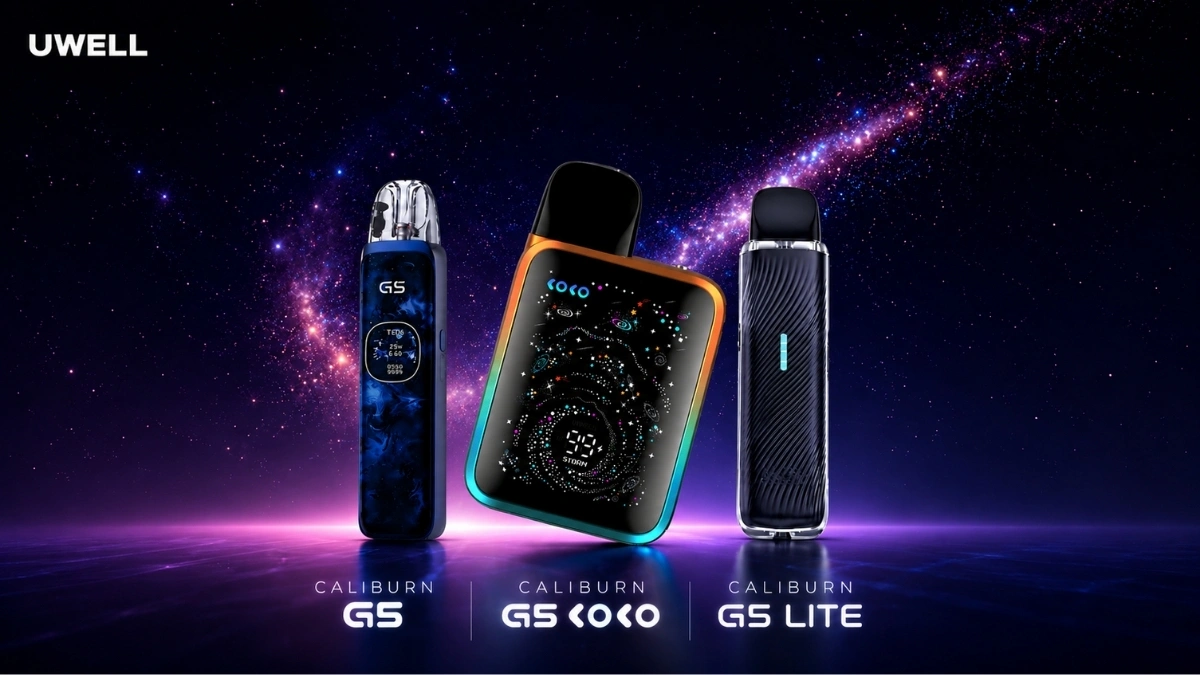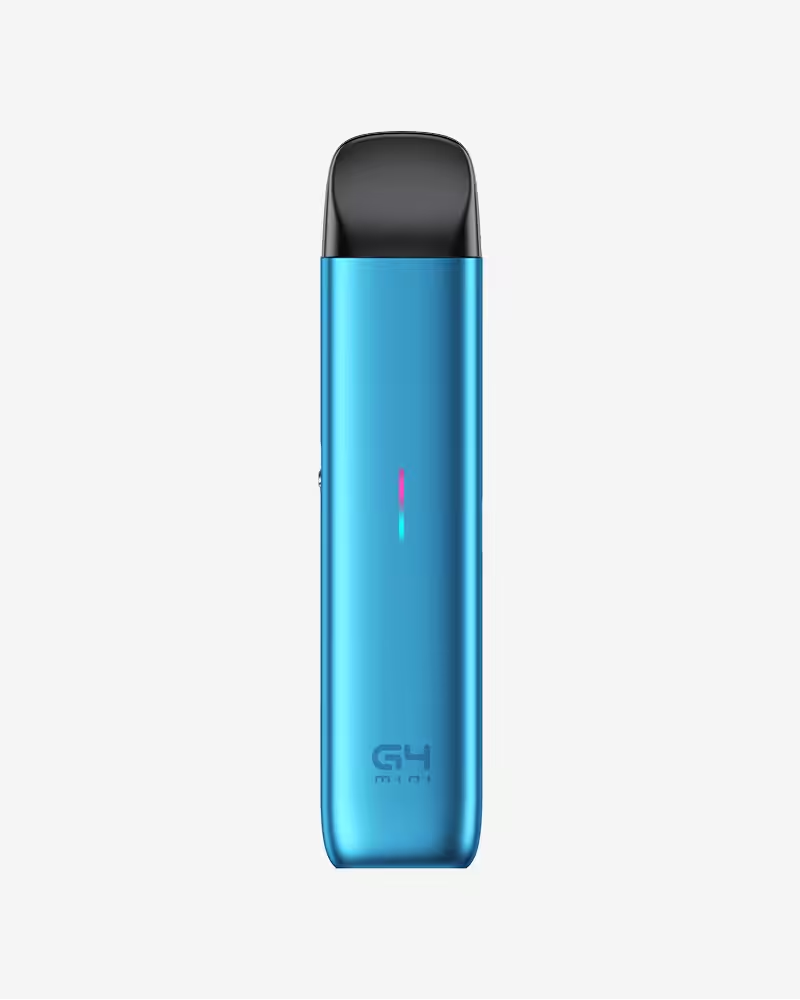
UWELL’s current Caliburn lineup gives pod users a lot more than simple inhale-and-go vaping. The Caliburn G4 brings a 1300 mAh battery, 35W output, a 0.85-inch colour screen, and Storm and Waves modes. The Caliburn G4 Pro steps up to an 1800 mAh battery, a 2.51-inch touchscreen, and Storm, Waves, and Custom modes. The Caliburn X stays relevant too, with adjustable wattage, airflow control, dual activation, and replaceable coils.
This troubleshooting guide is built for the latest Caliburn devices available at Canada Vapes:
TLDR;
- If your Caliburn is not hitting properly, start with the basics: charge it, remove the pod, wipe the contacts, and reinstall the pod firmly.
- If the flavour tastes burnt, the most common causes are a dry pod, old coil, or chain vaping on a low liquid level.
- If your pod is leaking, check for overfilling, a loose pod or coil, a damaged seal, or a cracked cartridge.
- If auto-draw is weak or inconsistent, clean the pod bay and mouthpiece area, then test again.
- The Caliburn G4 and G4 Pro use the GPP pod platform, while the Caliburn X uses Caliburn X pods and coils.
Most Caliburn problems are not device-failure problems. They are pod, coil, liquid level, or contact-cleaning problems.
Which Caliburn Devices This Guide Covers
The Caliburn G4 is a compact pod system built around the GPP cartridge platform. The G4 Pro adds a larger touchscreen, more battery, and more output control, while still using GPP pods. The Caliburn X is slightly different, because it uses replaceable coils and its own Caliburn X pod system. That matters when you troubleshoot, because pod fit, coil installation, and settings work a bit differently across these three devices.
What Makes These Newer Caliburns Different?
Before troubleshooting, it helps to know what is different across the newer Caliburn models.
The Caliburn G4 is a 35W pod system with a 1300 mAh battery, a 0.85-inch colour screen, and two output modes: Storm and Waves. It uses the GPP pod platform and Canada Vapes notes it works with Caliburn G3 replacement pods.
The Caliburn G4 Pro steps up to a 2.51-inch touchscreen, an 1800 mAh battery, and three vape modes: Storm, Waves, and Custom. It also uses GPP pods and supports both current and previous GPP cartridges. Canada Vapes also highlights U² anti-leak technology and stepless airflow control.
The Caliburn X is a slightly older but still relevant device in the lineup. It uses Caliburn X replacement pods, has an 850 mAh battery, 5 to 20W output, adjustable airflow, an OLED screen, dual activation, and safety features like short circuit protection, low battery indication, and fault diagnosis.
That means the troubleshooting is similar in some places, but not identical across all three.
Check out our detailed comparison on Caliburn G4 series devices
First Checks to Do Before Anything Else
No matter which of these Caliburns you use, do these checks first:
- Charge the device fully
A weak battery can cause weak hits, poor auto-draw response, and inconsistent performance. - Remove the pod and wipe the contacts
Use a dry tissue or cotton swab on the pod base and the contacts inside the device. - Check the pod is seated properly
A pod that is not fully in place can cause weak firing, no firing, or intermittent hits. - Check your liquid level
Running too low can cause dry hits, weak flavour, and burnt taste. - Let a fresh pod or coil sit after filling
With a new pod or new coil, give it a few minutes to saturate before the first puff.
If the issue is still there after these five steps, go to the problem-specific sections below.
1. Weak Vapour or No Vapour
What it feels like
- Barely any vapour
- The device lights up but the hit is weak
- Auto-draw seems to trigger, but the puff feels empty
- The device does not fire at all
Most common causes
- Low battery
- Dirty contacts
- Pod not inserted properly
- Old or flooded pod or coil
- Wrong wattage or output setting for the pod
- Coil not installed flush in the Caliburn X pod
What to do
For Caliburn G4 and G4 Pro
The G4 line uses GPP cartridges, and Canada Vapes notes these are designed for stronger flavour and improved convenience. If performance drops, remove the pod, wipe the contacts, refill if needed, and reinsert it firmly. If that does not fix it, swap to another GPP pod.
Also check your output mode. If you are in a softer setting and expect a stronger puff, that may be the whole issue. The G4 uses Storm and Waves, while the G4 Pro adds Custom Mode.
For Caliburn X
The Caliburn X uses separate coils and pods, and Canada Vapes specifically notes the coil base needs to align properly for secure installation and performance. If vapour is weak, pull the pod, remove the coil, reinstall it carefully so it sits flush, then try again.
If the pod or coil is old, replace it. If the screen is on but nothing happens, the issue is more often the pod or coil than the battery.
2. Burnt Taste or Dry Hits
What it feels like
- Harsh, dry puff
- Charred taste
- Flavour suddenly drops off
- Puff feels hot and unpleasant
Most common causes
- Pod or coil not primed
- Liquid level too low
- Coil or pod is worn out
- Chain vaping faster than the wick can keep up
- Wattage or power mode too aggressive for your pod
What to do
Start by checking the liquid level. If the pod is low, refill it and let it settle a few minutes.
If the pod is brand new, the most likely cause is not enough soak time. The newer GPP cartridges are designed to be cleaner and more convenient, but they still need time to wick properly after the first fill.
If the pod or coil has been used for a while, replace it. On the Caliburn X, you may only need a new coil. On the G4 and G4 Pro, you are usually replacing the pod cartridge itself.
If you are using a stronger setting, especially Storm Mode or a higher Custom output on the G4 Pro, back it down and test again. The puff may simply be too aggressive for the pod’s current condition.
Good habit that prevents this
Do not chain vape on a nearly empty pod. Even a good Caliburn pod can only wick so fast.
3. Leaking Pod or Condensation
What it looks like
- Liquid under the pod
- Liquid on your fingers after removing the pod
- Gurgling with small drops in the mouthpiece
- Slow seepage after refilling
Most common causes
- Overfilling
- Pod not sealed properly
- Cracked pod
- Coil not installed properly on Caliburn X
- Pressure changes from heat or travel
- Normal condensation being mistaken for a leak
What to do
First, remove the pod and check whether it is real leakage or just condensation. A small amount of moisture in the pod bay is common. Wipe it clean and monitor it.
For Caliburn G4 and G4 Pro
These devices use U² anti-leak technology, which helps, but it does not make them leak-proof if the pod is damaged or overfilled. If you see repeated leaking:
- do not fill right to the top
- keep the pod upright when possible
- inspect the cartridge for hairline cracks
- replace the pod if the leak keeps coming back
For Caliburn X
The most common user error is coil fit. Canada Vapes notes the coil must be installed correctly and securely. If it is not seated flush, liquid can seep or flood the chamber. Pull the coil, reinstall it carefully, then test again.
Extra things that make leaking worse
- Leaving the device in a hot car
- Taking very hard pulls on a flooded pod
- Flying with a full pod
- Storing a full pod unused for a long time
4. Gurgling, Spitting, or Flooded Hits
What it feels like
- Wet crackling sound
- Liquid popping into the mouthpiece
- Loose, noisy draw
- Reduced flavour after refill
Most common causes
- Flooded pod
- Overfilling
- Drawing too hard
- Condensation buildup
- Coil or pod nearing the end of its life
What to do
Take the pod out and gently flick it downward into a tissue. Then wipe the mouthpiece and base. After that, take a few shorter, lighter puffs.
If it happened right after refilling, you may have simply flooded the pod a bit. Give it a moment and avoid pulling too hard.
If this keeps happening on the Caliburn X, the coil may not be seated properly or may be worn out. If it keeps happening on the G4 or G4 Pro, the cartridge may be oversaturated or near the end of its life.
5. Auto-Draw Not Working Properly
What it feels like
- Button fire works, but inhale fire does not
- Auto-draw only works sometimes
- You need to pull too hard to activate it
Most common causes
- Pod not making clean contact
- Condensation near the sensor path
- Dirty mouthpiece or pod base
- Device fault on Caliburn X
- Damaged pod
What to do
Remove the pod and wipe:
- the pod base
- the device contacts
- the mouthpiece area
Then reinsert the pod and test again.
For Caliburn X
Canada Vapes specifically notes the fault diagnosis function can disable auto-draw if a failure is detected. If button firing works but auto-draw does not, clean everything first. If that does not solve it, try another pod and coil. If the issue still stays, it may be time for warranty support.
For G4 and G4 Pro
Try another GPP pod if you have one. Since the pod itself is the full cartridge on these devices, swapping pods is the fastest way to rule out a bad cartridge.
6. Device Not Charging or Battery Draining Too Fast
What it looks like
- Device does not charge
- Battery seems to die too fast
- Charge level drops faster than expected
Most common causes
- Bad cable or charging block
- Pocket debris in the charging port
- Old pod or coil causing inefficient performance
- Screen brightness and features using more battery on G4 Pro
- Using high output modes constantly
What to do
Try a different cable first. Then inspect the charging port gently for lint or dust.
Battery life always depends on how you vape. The G4 has a 1300 mAh battery, the G4 Pro has 1800 mAh, and the Caliburn X has 850 mAh. So if your Caliburn X needs charging sooner than your G4 Pro, that is normal.
If your battery suddenly gets much worse than usual:
- replace the pod or coil
- lower the output setting
- reduce screen brightness and extra screen-on time on the G4 Pro if possible
If it still drains abnormally fast after that, it may be a battery issue rather than a pod issue.
7. Screen Problems, Dust, or UI Annoyances
This matters more for the G4 Pro because it has the large touchscreen. Canada Vapes reviews mention that the screen can gather dust, which is not unusual for a touch display on a small pod device.
What to do
- Wipe it with a soft dry cloth
- Keep it out of lint-heavy pockets
- Avoid overcleaning with wet products
- If touch response seems off, restart the device and test again
This is usually a usability issue, not a performance issue.
8. Wrong Pod, Wrong Coil, Wrong Expectations
One of the easiest mistakes with Caliburn devices is assuming all pods and coils are interchangeable.
What works with what
- Caliburn G4 uses GPP pods and Canada Vapes says it uses Caliburn G3 replacement pods
- Caliburn G4 Pro also uses GPP pods and is compatible with both current and previous GPP cartridges
- Caliburn X uses Caliburn X replacement pods and Caliburn X coils
If you install the wrong pod or expect the same behaviour from every Caliburn device, troubleshooting gets confusing fast.
Best Habits That Prevent Most Caliburn Problems
If you want fewer issues overall, these habits do the most work:
- Fill before the pod gets too low
- Let fresh pods or coils sit before first use
- Wipe the contacts regularly
- Do not overfill
- Do not leave the device in extreme heat
- Replace pods and coils before they are completely spent
- Use the right pod or coil for the right device
That sounds basic, but it prevents the vast majority of Caliburn complaints.
When to Stop Troubleshooting and Replace Something
Replace the pod or coil if:
- the burnt taste keeps returning
- leaking continues after cleaning and refitting
- flavour drops sharply
- auto-draw problems disappear when you swap to another pod
Contact support if:
- the device will not charge with different cables
- it still will not fire after a fresh pod or coil
- the Caliburn X keeps disabling auto-draw
- the screen becomes unresponsive
- the issue happens from day one
Canada Vapes lists 60-day no-hassle warranty support on its products, including the G4 series and Caliburn X.
Final Take
The newer Caliburn devices are still simple, but they are not all the same anymore. The G4 and G4 Pro are pod-cartridge systems built around the GPP platform, while the Caliburn X uses separate coils and gives you more classic pod-system tuning. That means the right troubleshooting step depends on which model you have.
Still, the pattern is usually straightforward:
- weak hit: check battery, pod, contacts
- burnt taste: check liquid level, pod age, and output
- leaking: check filling habits, pod fit, cracks, and condensation
- auto-draw issue: clean first, then test another pod
That solves most Caliburn problems faster than people expect.